
Top 5 Software for Tracking Sales Calls Alternatives 2026
Tracking high-volume outbound sales calls without wasting agent hours on manual dialing drains team efficiency. Most dialers restrict the number of simultaneous calls or require sales teams to toggle between separate CRM and dialer apps, which slows call volume. This comparison covers pricing, CRM integration, and call management features across five multi-line dialers so sales teams can match a platform to their workflow and scale.
Table of Contents
Kalvo
At a Glance
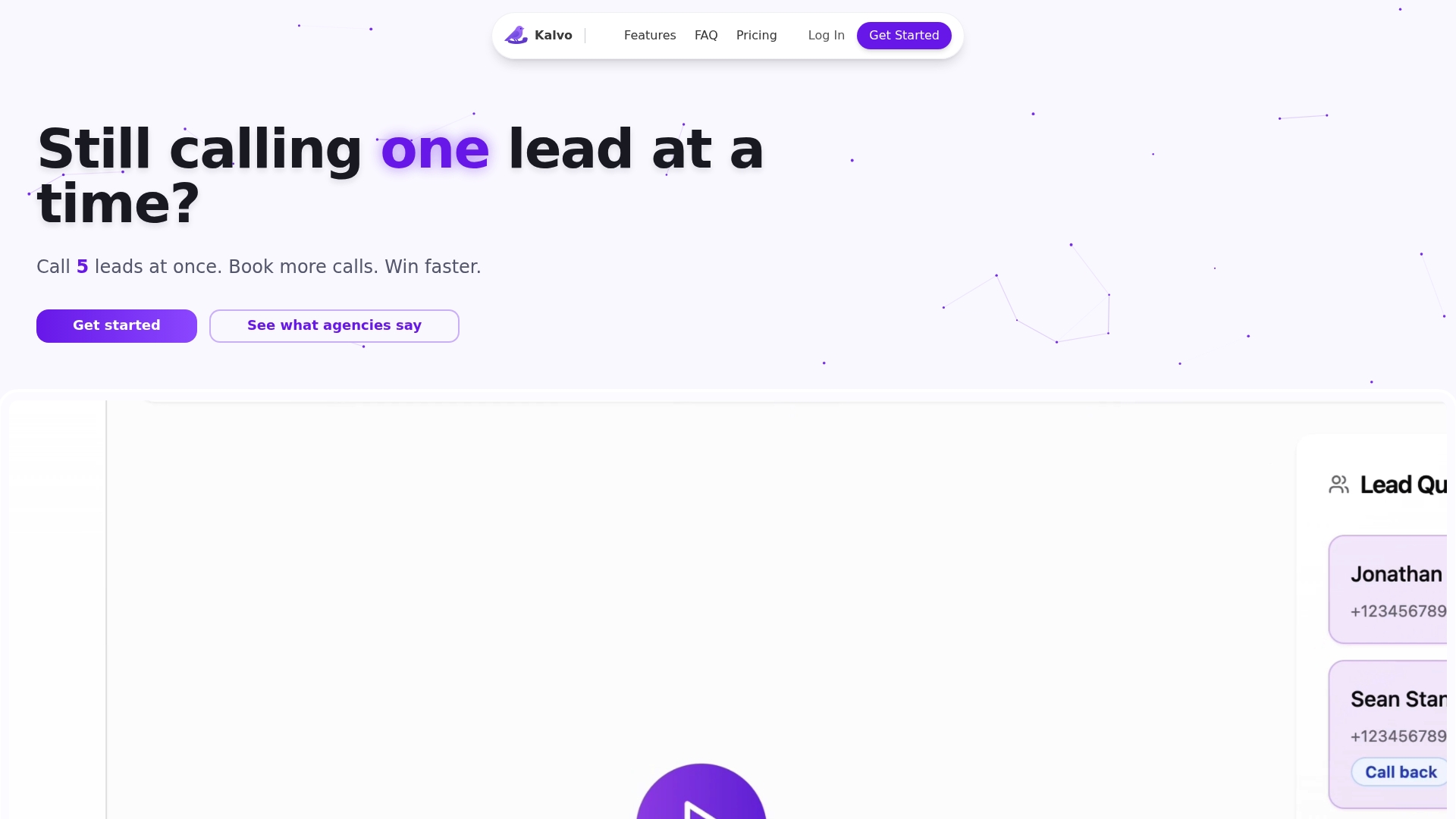
Parallel dialing connects multiple lines and routes the first answered call to an available agent. Kalvo focuses on cold calling for agencies and sales teams that need to place many outbound calls. The interface emphasizes quick setup and a minimal control surface so teams can start dialing fast.
Core Features
Kalvo lets you upload contact lists via CSV or add contacts one by one and manages parallel calls across multiple lines. The platform provides real-time contact details and live note taking during each call and a one-click post-call outcome categorization workflow. A performance tracking dashboard reports dial, pickup, pitch, and booking metrics to help coaching and daily adjustments.
Key Differentiator
The core stand-out is the real-time multi-line dialer that manages parallel calls and automatically connects the first answered lead. That mechanism is paired with live metrics so supervisors can watch pickup and booking rates as they change. This design targets reducing agent idle time and converting more conversations into booked meetings.
Pros
Kalvo increases raw call volume by automating dialing and letting agents handle only answered calls, which saves hours of manual dialing each week. The performance tracking dashboard gives clear daily metrics for dial, pickup, pitch, and booking rates, so managers can run focused coaching sessions. Real-time access to contact data and in-call note taking keeps context in one place and shortens handoffs between callers.
Cons
- Limited public detail about third-party integrations and customization options may restrict teams that need deep CRM syncing.
Who It’s For
This tool fits sales teams and agencies that run high-frequency cold calling and need to maximize conversations per agent. It suits groups that value simple setup over complex configuration and that can scale by adding lines or numbers. It is less appropriate for teams that require advanced CRM integration out of the gate.
Unique Value Proposition
The live multi-line dialer removes the single-lead-at-a-time bottleneck by connecting the first answered call from several simultaneous dials. That means each agent spends more time talking and less time waiting, which raises conversation volume per seat. For agencies that bill by booked meetings, the workflow converts agent hours into more measurable calls and bookings.
Real World Use Case
An agency automated outbound lists and ran parallel dial sessions across dozens of numbers. According to user testimonials, booked meetings increased by 340%. The agency reduced manual dialing work and shifted coaching to improving pitch and objection handling.
Pricing
Plans start at $99/month for the Starter tier and rise to $199 and $499/month for higher tiers that include more lines and call minutes. Additional phone numbers are billed separately. Pricing scales with the number of concurrent lines and usage needs.
Website: https://kalvo.io
WAVV
At a Glance
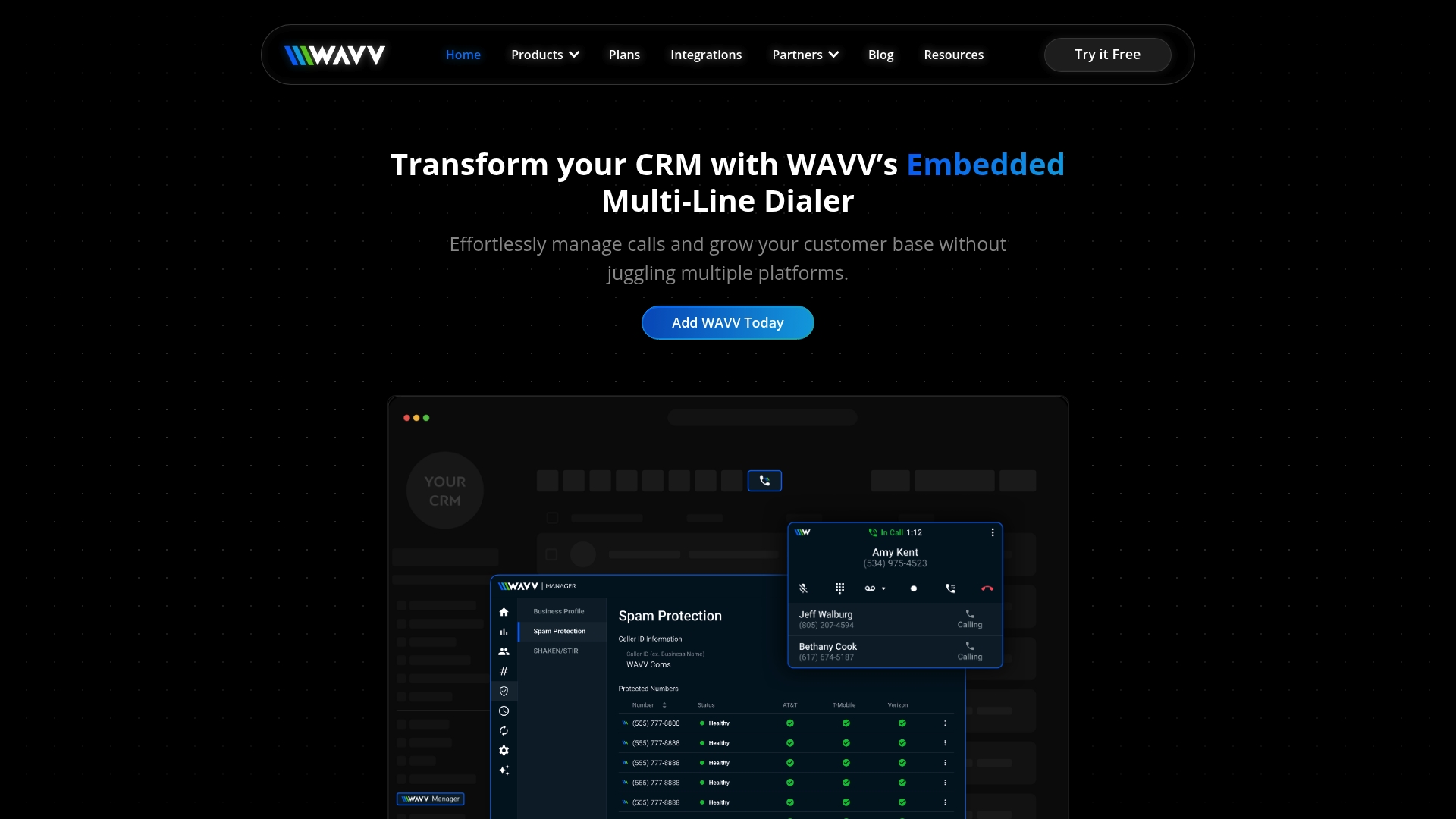
WAVV advertises unlimited call minutes with no hidden fees, a notable claim for teams that run heavy outbound campaigns. The product focuses on embedding a multi line dialer directly inside CRMs such as HighLevel. That setup centers local number management and spam remediation to raise answer rates and compliance.
Core Features
WAVV embeds a multi line dialer inside compatible CRMs, letting agents place multiple simultaneous calls from within their workflow. It includes spam flag monitoring and removal, local phone number management, and basic team management with performance tracking. The vendor also highlights no extra usage charges as part of the offering.
Key Differentiator
The main distinction is the CRM native approach. WAVV claims it runs inside systems like HighLevel so teams do not need a separate dialer app or connector. That direct embedding is aimed at agencies and sales teams that want dialing, calling, and reporting to live inside their existing CRM screens.
Pros
The integration with CRMs such as HighLevel reduces context switching for callers and keeps call logs where sales teams already work. Automatic spam remediation and local number management help increase pickup rates and limit carrier blocking. The vendor reports flexible cancellation and no hidden fees, which simplifies budgeting for teams that log many minutes.
Cons
- Limited public pricing detail. Buyers must request plan specifics before committing.
- Requires a compatible CRM to unlock full functionality.
- Buyers should verify number portability and local presence options for each market.
When It May Not Fit
Organizations that do not use a supported CRM will not get the embedded dialer experience. Small teams that need a standalone dialer or a platform with detailed published pricing may find the opaque pricing model problematic. Enterprises requiring certified compliance reports or advanced reporting may need to confirm those capabilities directly with the vendor.
Notable Integrations
- HighLevel CRM
Who It’s For
Sales teams, real estate agents, insurance professionals, and marketing agencies that already operate inside CRMs and need tighter calling workflows will benefit most. Agencies reselling CRM services can use WAVV to add outbound dialing without a separate vendor footprint.
Real World Use Case
A real estate team uses WAVV embedded in their CRM to run multiple outbound lines at once, call local numbers to improve answer rates, and let managers view call performance without exporting logs. That scenario helped the team reduce time spent toggling between apps.
Pricing
Not applicable for public listing. The vendor lists pricing as informational only, so expect custom plans or quote based pricing. Prospective buyers should request a detailed quote and ask about number costs and porting rules.
Website: https://wavv.com
Koncert
At a Glance
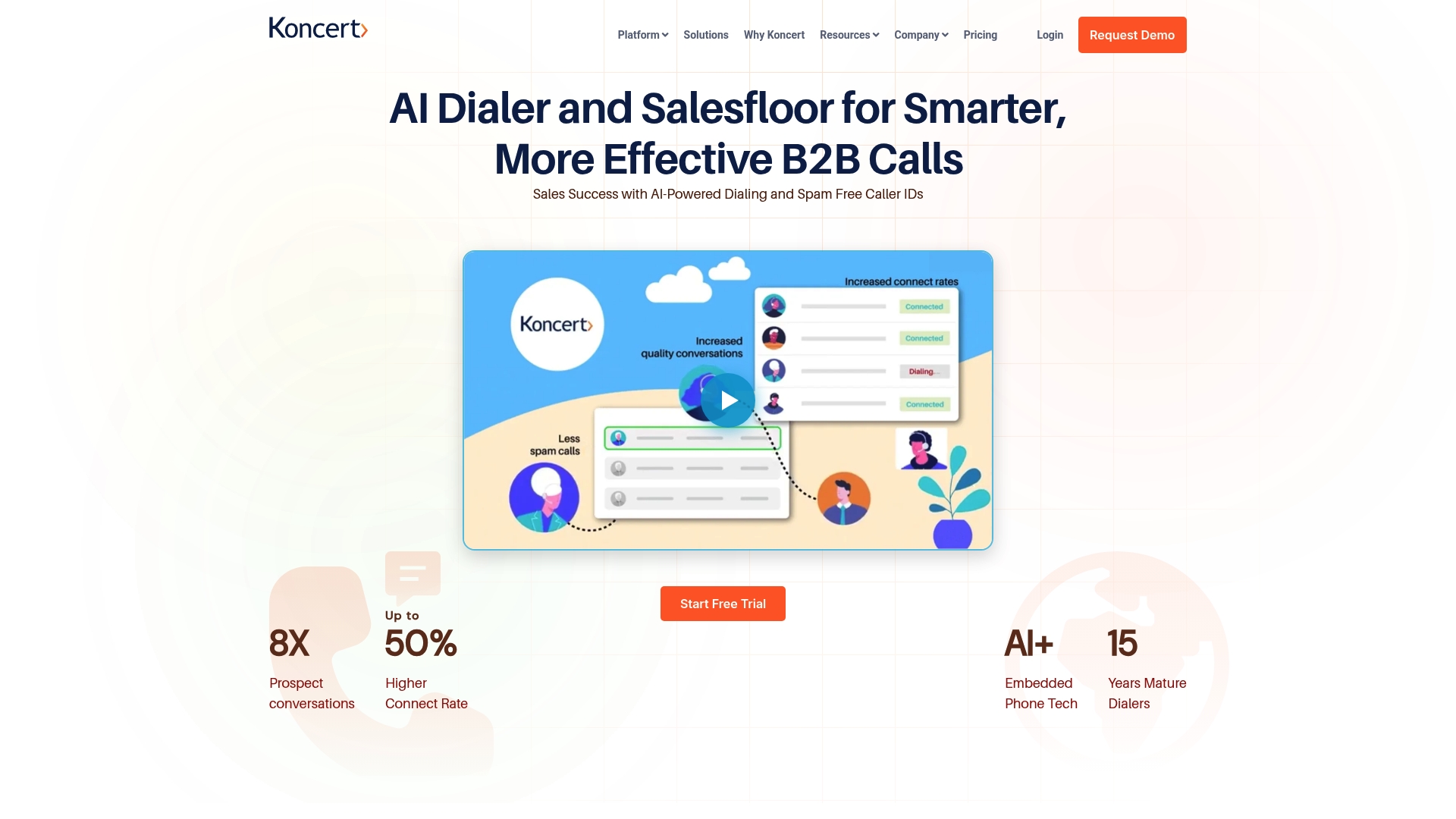
The vendor advertises the only ultra low latency AI dialer platform focused on connection speed and call quality. Koncert’s marketing materials also state the platform has received industry awards and high user satisfaction ratings. That combination targets teams that need faster connect rates and clearer audio on outbound calls.
Core Features
Koncert bundles four distinct sales dialers, including AI Parallel, AI Flow, agent assisted, and click to call, so teams can pick a dialing mode that matches their workflow. The platform includes a multi channel sequencer for phone, email, video, social, and text outreach, plus AI PitchLab for pitch rehearsal and objection practice. Waterfall data enrichment cleans and fills missing contact fields while Remote Salesfloor supports virtual team collaboration and call monitoring.
Key Differentiator
Koncert’s key claim is its ultra low latency dialer that pairs advanced telephony with AI for faster call setup and better audio. That claim separates it from ordinary dialers by emphasizing connection speed as a primary performance metric. Teams that prioritize high volume outbound calling and call quality will see the product positioned around that capability.
Pros
Customers report the interface is easy to use despite deep feature sets, which helps reps adopt the system quickly. Local caller ID management plus AI enhancements aim to increase connect and conversation rates, letting reps book more meetings per day. Koncert integrates with major CRMs and sales tools, and the platform offers reporting, call recordings, transcription, and objection detection for coaching and performance reviews. The vendor also highlights ongoing updates and support alongside a focus on compliance and security.
Cons
- Complex platform may require formal training for new users.
- The array of features can overwhelm teams without dedicated onboarding resources.
- Pricing details are not listed publicly, so total cost of ownership requires direct vendor discussion.
When It May Not Fit
Smaller teams that need clear list pricing may find Koncert a poor match because pricing is not published. Buyers that want a lightweight dialer with minimal setup might prefer a simpler tool. Organizations with very limited training bandwidth could struggle to get full value quickly.
Notable Integrations
Koncert lists integrations with major CRMs and sales platforms. Notable connections include Salesforce, HubSpot, SalesLoft, Outreach, Gong, Apollo.io, and Slack. These ties support syncing contacts, call activity, and coaching notes into existing sales stacks.
Who It’s For
Mid sized to large B2B sales teams and managers who run high volume outbound programs will benefit most. Teams that need multi channel cadences plus call coaching and transcription will find the feature set relevant. Organizations already using one of the listed CRMs will get faster time to value through existing integrations.
Real World Use Case
A B2B sales team uses Koncert’s AI dialers to run parallel dialing during prospecting campaigns, while the sequencer follows up by email and text. Call recordings and AI led objection detection feed into coaching sessions on the Remote Salesfloor. The result is more conversations that lead to meetings and pipeline movement.
Pricing
Pricing is not specified and appears to be custom based on team size and needs. Prospective buyers should request a quote and ask about onboarding and support terms. The vendor will likely tailor license counts and feature sets to your sales operation.
Website: https://koncert.com
Elto
At a Glance
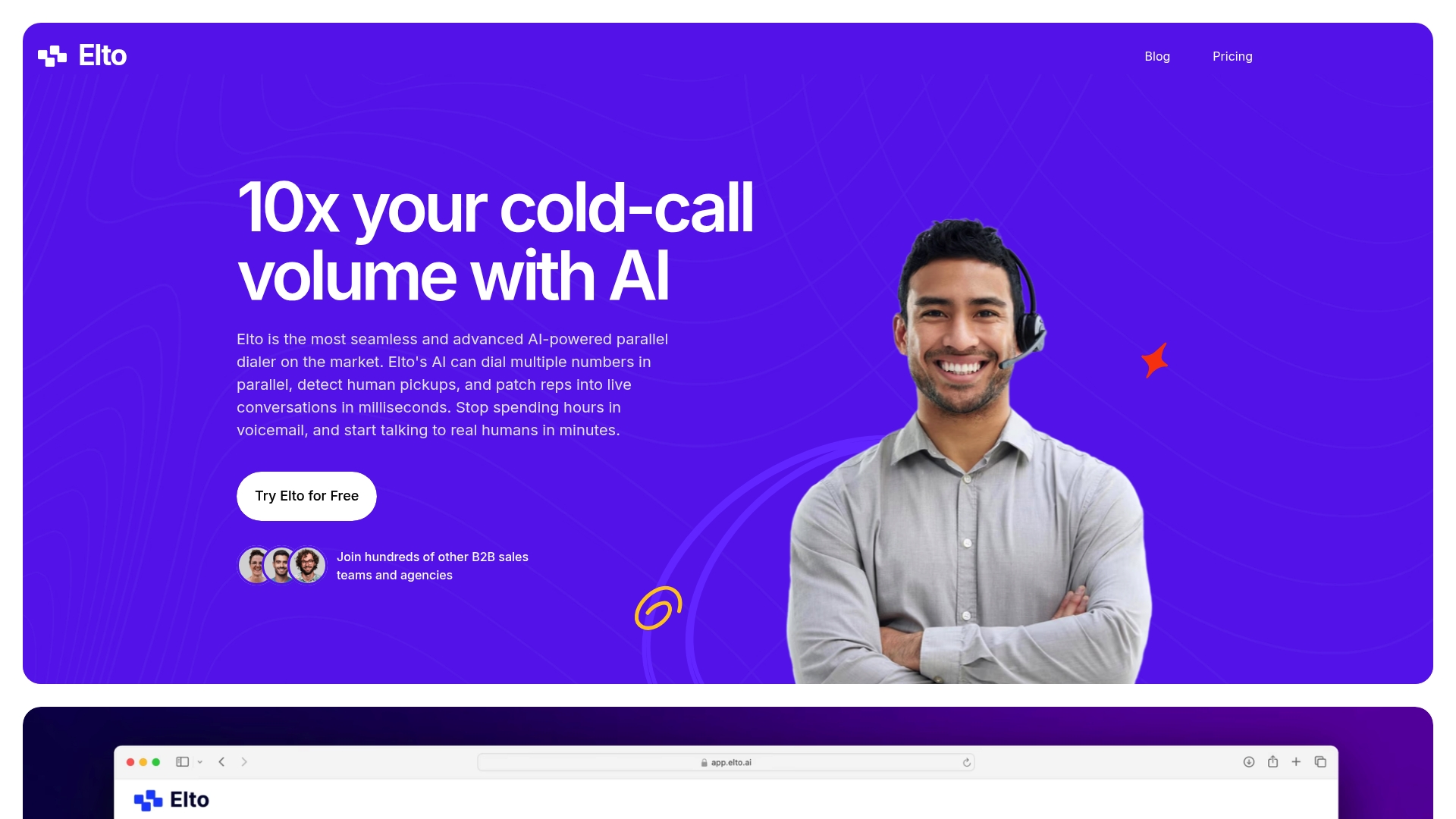
Elto reports AI powered parallel dialing of up to 6 numbers simultaneously. The system claims human pickup detection and instant patching into live calls. That design targets agencies and B2B sales teams that need to increase outbound call volume and reduce idle dialing time.
Core Features
Elto combines parallel dialing, human pickup detection, and automatic call patching so reps join live answers quickly. It includes call recording, transcription, time zone filtering, CSV import support, and built in analytics for campaign reporting. Native CRM connections and sales engagement links keep call activity logged where teams already work.
Key Differentiator
According to the company, Elto detects human pickups and patches calls in milliseconds while dialing multiple numbers at once. That capability reduces wait time and increases the share of answered conversations a rep can take. The feature set focuses on live connections rather than voicemail farming.
Pros
High dialing throughput increases the number of live conversations per hour. Tight CRM integrations cut manual data entry and keep dispositions current across systems. Automatic call recording and transcription speed post call review and coaching. Month to month pricing and a short trial make it easy to test without a long commitment.
Cons
- Complex campaign workflows may require custom setup or extra engineering support.
- Detection accuracy can vary in noisy environments, according to some reviews, impacting automation reliability.
- Public documentation gives limited detail on advanced multi user account management and campaign customization.
- Integration depth for highly customized stacks may need additional dev work.
When It May Not Fit
If your team runs highly customized multi stage campaigns with conditional routing, Elto may feel limited. If you rely on near perfect detection in poor audio conditions, detection variance could reduce automation benefits. Large enterprises that need detailed multi user admin controls may require a different dialer.
Notable Integrations
Elto connects to Salesforce, Hubspot, Apollo.io, Salesloft, Outreach, and accepts CSV uploads for list handling. These integrations cover common CRM and sales engagement workflows and keep call logs synchronized.
Who It’s For
Sales teams and agencies that need to scale outbound calling with AI powered dialing will get the most value. It fits teams that already use mainstream CRMs and want automatic call logging. Smaller SDR teams that prefer a faster trial and month to month billing also match this profile.
Real World Use Case
A B2B sales team uploads prospect lists via CSV, targets contacts with time zone filtering, and runs parallel dialing across each list. Reps join live answers through automatic patching, and call outcomes sync to the CRM for immediate follow up and reporting.
Pricing
According to the company, pricing starts at $179 per seat per month with a 7 day free trial. Monthly and yearly plans are available and the vendor advertises a 40% discount for annual billing. That pricing targets teams that want predictable per seat costs.
Website: https://eltodialer.com
PhoneBurner
At a Glance
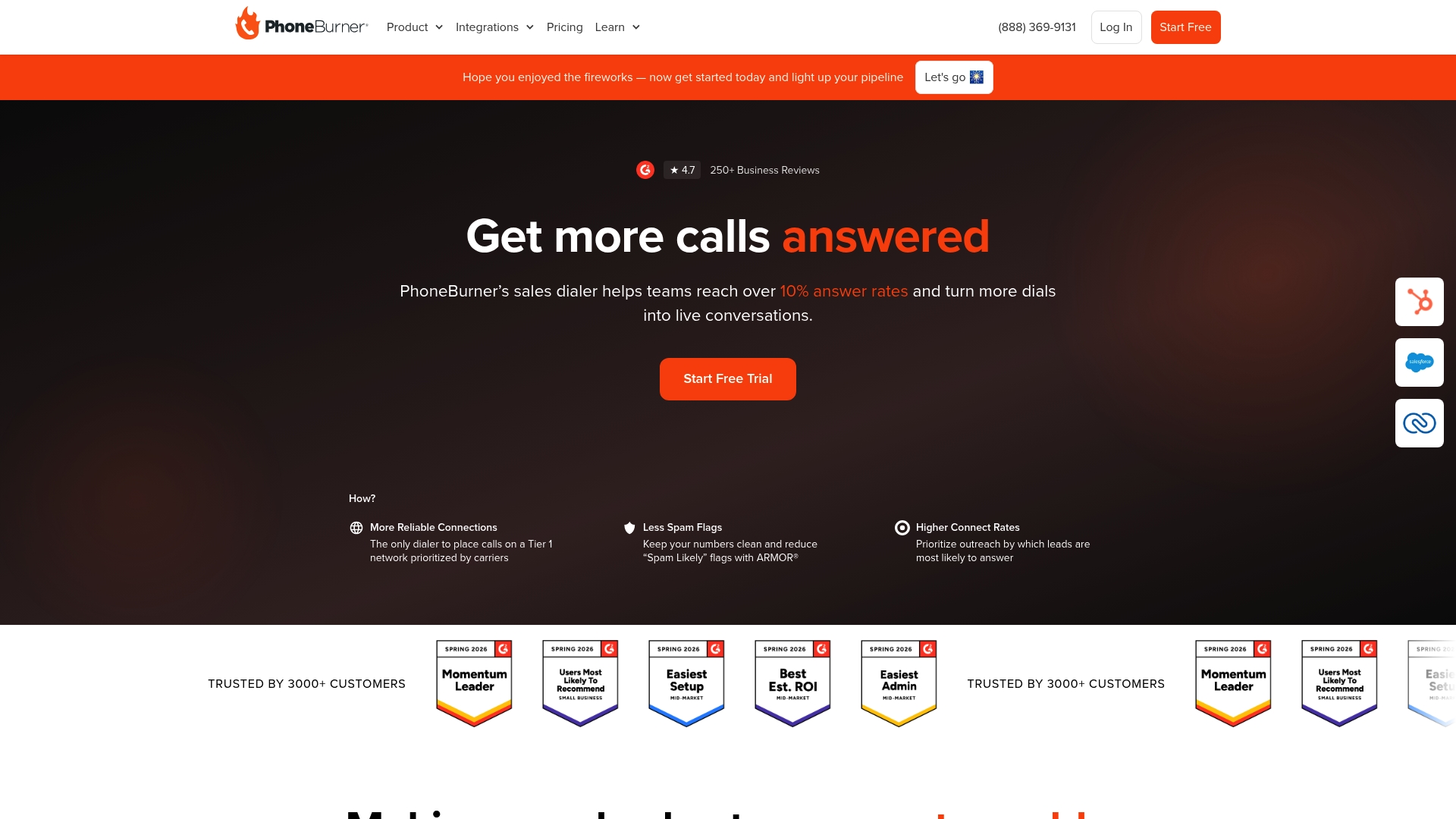
PhoneBurner reports more than 3,000 customers and a SOC 2 Type II certification. The product centers on a cloud power dialer that raises outgoing call volume while adding email and SMS outreach. It targets sales teams in finance, insurance, and mortgage sectors that need compliant, automated calling at scale.
Core Features
PhoneBurner combines a power dialer with spam protection, contact prioritization, and post-call automation to reduce manual tasks. It includes a built-in CRM, lead distribution, and real time reporting for coaching and performance tracking. The platform also offers APIs and native connections to major CRMs.
Key Differentiator
PhoneBurner focuses on increasing live conversations while keeping calls compliant and automating follow-up work, which helps teams shift time from dialing to selling. That singular focus pairs call reputation controls with workflow rules to prioritize contacts most likely to answer and to automate voicemails, emails, and next steps.
Pros
PhoneBurner boosts answer rates and outgoing call volume through its dialer and contact scoring, which shortens the time reps spend finding the next live lead. The ARMOR® spam protection and number reputation features reduce blocked calls and protect caller ID. Integrations with Salesforce, HubSpot, and Zoho CRM let teams push activity into existing pipelines. Workflow automation handles follow-ups and voicemails, and that customer count above gives a sense of market adoption and third party familiarity.
Cons
- Limited international dialing. PhoneBurner focuses on US and Canada and may not meet global calling needs.
- SMS features need extra compliance registration before use, which adds setup steps.
- Some functionality, such as live coaching, requires technical setup or admin work.
- Dependence on internet connectivity can affect teams in low bandwidth environments.
When It May Not Fit
If your team calls international prospects regularly, PhoneBurner may not be a good match because of the narrow dialing footprint. Organizations that need out of the box global SMS without extra compliance will find the setup heavier than expected. Very small teams that do few calls may not justify the per user pricing.
Notable Integrations
PhoneBurner connects to major CRMs and lead systems. Key integrations include Salesforce, HubSpot, Zoho CRM, and GoHighLevel. These links let sales managers sync contacts, log calls, and trigger workflows from existing CRM records.
Who It’s For
Sales managers and reps at small to large companies who run high volume outbound calling will get the most value. Teams in mortgage, insurance, and financial services that require compliant calling and tight CRM syncs match PhoneBurner well. Remote teams that need secure, auditable calling also fit this product profile.
Real World Use Case
A mortgage broker uses PhoneBurner to run daily outbound campaigns. They rely on Connect Scores to call hottest leads first, use ARMOR® to maintain caller reputation, and push activities into Salesforce. The result is more booked appointments and a cleaner follow-up workflow for loan officers.
Pricing
Pricing starts at $140/month per user for the Standard plan, with tiered advanced options for larger teams or extra features. The model charges per seat and scales by feature level and compliance requirements.
Website: https://phoneburner.com
Comparison of alternatives
Efficient sales call management demands tools optimized for specific workflows. Kalvo stands out for its real-time multi-line dialing and live performance metrics, maximizing agent productivity. Alternative options provide compelling strengths for niche operational needs, allowing tailored selection based on unique priorities.
Multi-Line Dialing Efficiency
Kalvo’s automatic dialing across multiple lines reduces agent idle time while increasing call volume. Its simple setup and live agent metrics allow quick adoption and adjustments to optimize performance. Alternatively, Elto’s human detection technology focuses on accuracy in phone conversation handling, which suits quieter calling environments but lacks the high throughput seen with Kalvo’s model.
Embedded CRM Integration
For sales teams aiming to integrate dialing into existing workflows, WAVV offers its dialer natively embedded within supported CRMs, reducing context switching and enhancing caller efficiency. However, this approach requires specific CRM availability, which limits universal application compared to tools like Kalvo or PhoneBurner that operate independently.
Best fit
- Agencies emphasizing call volume per agent, paired with dynamic performance tracking, benefit most from Kalvo.
- Real estate organizations favoring workflows fully connected with CRMs find WAVV’s model advantageous.
- Medium enterprises requiring multi-channel outreach and advanced coaching features appreciate Koncert’s dialer suite.
- Financial services seeking high-security compliance in call handling align well with PhoneBurner’s solution.
Our pick
Kalvo’s multi-line dialing capability combined with real-time metrics positions it as the premier choice for agencies aiming to maximize cold-calling efficiency and optimize resources. However, buyers with unique requirements like integrated dialing in CRMs may find WAVV more appropriate.
Selecting the right multi-line dialing solution for sales and outbound campaigns involves comparing key features, integrations, and limitations across platforms.
| Product | Core Feature | Key Differentiator | Pricing | Limitation |
|---|---|---|---|---|
| Kalvo | Multi-line dialing with real-time metrics and agent note-taking | Saves idle time with automated lead connection | Starts at $99/month | Limited detail on CRM integration capability |
| WAVV | CRM-integrated dialing and local spam call protection | Direct CRM embedding for in-system seamless workflows | Price not published | Requires supported CRM for full functionality |
| Koncert | Four dialing modes including AI-powered parallel dialing | Prioritizes ultra low latency for quicker connections | Price not published | High complexity requiring formal onboarding |
| Elto | AI-powered multi-line dialing with human pickup detection | Fast live answer connection across multiple lines | Starts at $179/month | Less suitable for customized campaigns |
| PhoneBurner | Power dialing with integrated post-call automation | Includes compliance-focused call management features | Starts at $140/month | Limited international call and SMS support |
How Can Sales Teams Track Calls Efficiently While Maximizing Conversations?
Managing a high volume of outbound calls can overwhelm sales teams. The challenge lies in dialing multiple leads simultaneously while capturing clear, real-time sales call data for better coaching and reporting. Kalvo solves this by offering a cold calling tool designed for agencies and sales teams that need to place many outbound calls. Our real-time multi-line dialer connects the first answered call across several lines and delivers live contact details with note taking and post-call outcomes.
With Kalvo, you can:
- Upload and manage contacts quickly
- Increase call volume without idle time
- Access daily metrics for dial, pickup, pitch, and booked meetings
Explore how Kalvo works and import your CSV list to see more live conversations per agent without adding complexity. Improve your outbound calling results with a platform built to simplify high-frequency cold calling.
FAQ
How does Kalvo handle call metrics for sales teams?
Kalvo provides a performance tracking dashboard that reports dial, pickup, pitch, and booking metrics to help optimize daily adjustments. This feature allows teams to analyze their performance and target specific areas for improvement. Users can expect clear insights to enhance their cold calling strategy.
What is the difference between Kalvo and WAVV?
WAVV is known for embedding a multi-line dialer directly inside CRMs, providing a seamless experience for users who prioritize integrated workflows. On the other hand, Kalvo specializes in high-frequency cold calling, magnifying call volume by connecting the first answered lead across multiple dials. Teams interested in robust CRM integration might prefer WAVV, while those focused strictly on maximizing outbound calls should consider Kalvo.
Can I use Kalvo if my team requires multiple phone lines?
Yes, Kalvo supports concurrent call handling across multiple lines, allowing agents to maximize their conversation volume. The system’s multi-line dialer ensures that agents spend more time talking and less time waiting for calls to connect. This feature is particularly beneficial for teams with high outbound calling needs.
What features does Kalvo offer for real-time lead management?
Kalvo includes real-time access to contact data and live note-taking during calls, which helps maintain context for each conversation. This functionality facilitates smoother handoffs between callers and enhances overall campaign effectiveness. Expect a streamlined experience when managing leads in real-time.
How does pricing for Kalvo compare with other dialers?
Kalvo offers plans starting at $99 per month for the Starter tier, scaling up based on the number of lines and call minutes required. While some competitors may not publish clear pricing details, Kalvo’s transparent tiered structure helps teams budget according to their specific needs.